How to Use SMS Code (and How Receive-Code SMS Works)

You need a one-time SMS verification code for a signup or test flow, and you are staring at a wall of “SMS activate / 接码” search results. The question underneath is simple: how does receive-code SMS actually work, and how do you use it without guessing?
This guide explains the buyer-side loop on a marketplace like Accplanet: pick a service and country, rent a number for the session, wait for the SMS, copy the code, then release or finish the order. It is marketplace education, not a bypass playbook. Follow each platform’s rules and Accplanet listing notes.
In short
- Receive-code SMS (often searched as 接码 / SMS 接码平台) rents a temporary number so you can receive a verification text for a chosen service and country.
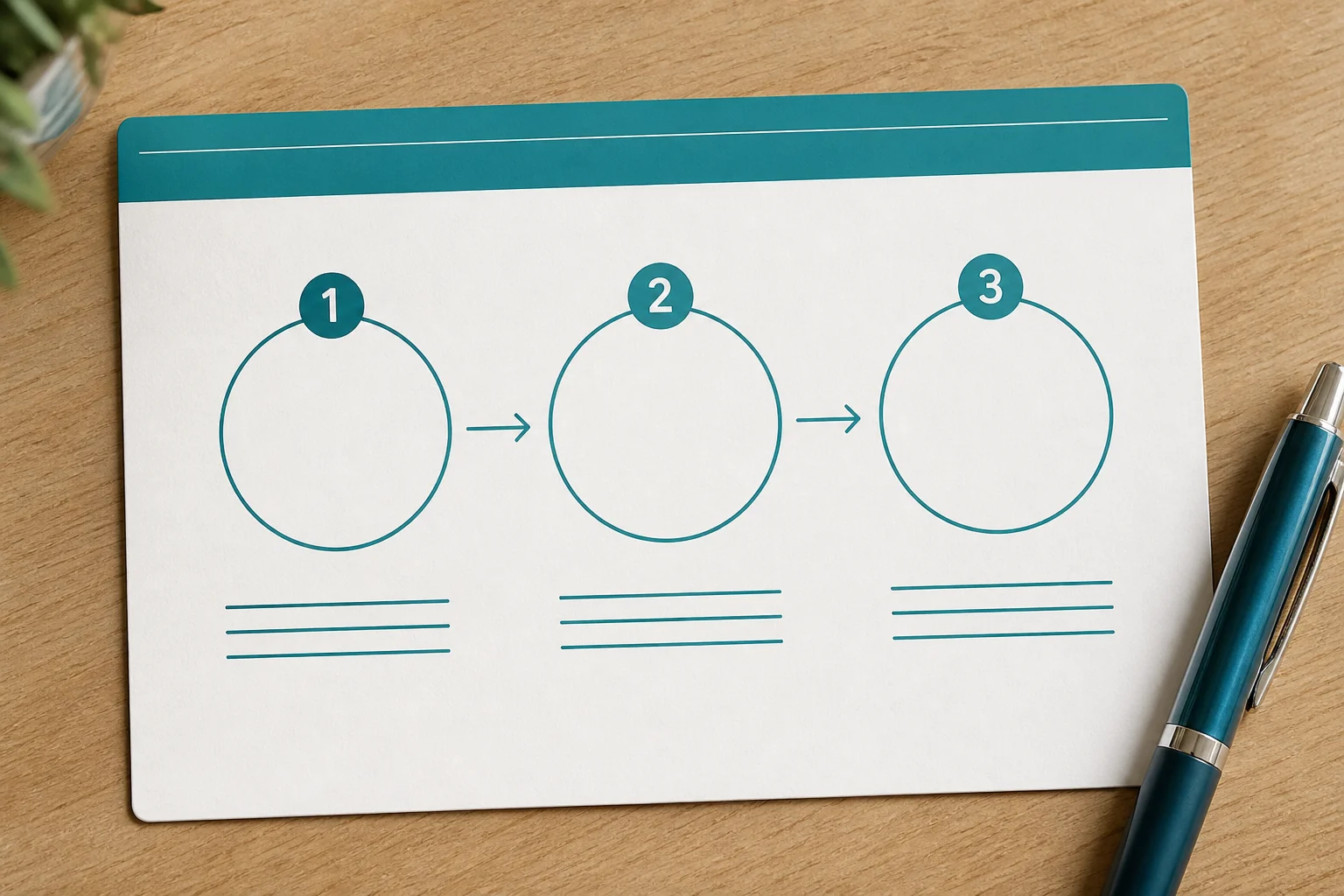
- Typical loop: select project → select country → get number → enter it on the target site → wait for the SMS → copy the code → finish or release.
- On Accplanet, open the SMS Code page after you have wallet balance.
- Outcomes vary by service, country stock, and network timing. Read live prices and status on the page.
- Do not use rented numbers to evade banking KYC, sanctions checks, or other restricted identity flows.
How SMS receive-code services work
Think of it as a short rental, not a personal SIM you keep forever.
- You choose a project (the app or site that will send the SMS).
- You choose a country that still has stock for that project.
- The provider assigns a phone number for a limited window.
- You type that number into the signup or verification screen.
- The SMS lands in the provider UI; you copy the code and paste it.
- You release or close the order when you are done (or when the timer ends).
Delays are normal. Congested routes and busy services take longer. If nothing arrives inside the page timer, release and retry with another country or wait for stock to refresh. Do not spam the same destination with rapid retries.
How to use SMS Code on Accplanet
Accplanet is a marketplace layer. For SMS Code, you use the dedicated store page rather than hunting random Telegram sellers.
1 · First
Sign in and fund your wallet
Create an account if needed, then recharge so the SMS page can debit balance when you request a number.
2 · Recommended
Open SMS Code
Go to https://accplanet.com/en/products/sms-code/. Pick the project (service) and country from the live lists. Prices and availability change; trust the on-page values.
3 · Recommended
Get a number and complete verification
Request the number, enter it on the destination site exactly as shown, then watch the Accplanet panel for the SMS code. Copy once. Paste once. Finish the flow before the rental window ends.
4 · Optional
Release or review history
If you no longer need the number, use release when the UI allows. Keep order history if support needs an ID later.

What to check before you pay
| Check | Why it matters |
|---|---|
| Project name | Wrong service = wrong SMS or no SMS at all. |
| Country stock | Empty countries waste time; pick one with live inventory. |
| Price on page | Rates move with supply. Confirm before you click get number. |
| Wait / release rules | Know how long you must wait before release and when codes expire. |
| Destination policy | Some apps reject virtual numbers. Have a backup plan. |
About sms-activate, Grizzly SMS, SMS-Man, and 接码 searches
If you searched sms-activate, Grizzly SMS, SMS-Man, sms 接码, or sms 接码平台, you are usually looking for the same buyer job: temporary numbers that can receive OTP texts. Those names are common SMS activation / receive-code brands and Chinese search phrases for that category.
Accplanet’s approach is different from hopping between standalone SMS shops alone. You stay inside a broader digital marketplace: wallet, support tickets, and the dedicated SMS Code tool for project + country selection. Compare wait times, country coverage, and support path on the live page rather than assuming any brand is “always best.”
This post does not rank competitors or promise identical stock. Use the Accplanet UI as the source of truth for what you can buy today.
Buyer checklist
- [ ] Confirmed the destination allows temporary / virtual numbers for this use
- [ ] Wallet funded on Accplanet
- [ ] Correct project and country selected on SMS Code
- [ ] Number entered exactly; panel left open while waiting
- [ ] Code copied once; order ID saved if something fails
FAQ
How long should I wait for the SMS?
Follow the timer on the Accplanet SMS Code page. Many codes arrive within a few minutes; busy routes take longer. If the window ends with no message, release and try another country or retry later.
Why did I get a number but no code?
Common causes: wrong project, destination blocking virtual numbers, delayed carrier routes, or a mistyped number. Check the panel status, then open a ticket with the order ID if funds were taken without a usable code under the page rules.
Is Accplanet the same as sms-activate or SMS-Man?
No. Those are separate SMS activation brands people often search. Accplanet is a digital marketplace that also offers an SMS Code workflow. Judge by live country/project availability and support, not by name familiarity alone.
Can I keep the number forever?
Usually no. These are short rentals for one verification session unless a listing says otherwise. Plan for temporary use.
What does 接码 mean here?
In Chinese buyer slang, 接码 / SMS 接码平台 points to receive-code SMS platforms: services that catch OTP texts for you. Same core loop described above.
Next step: open SMS Code on Accplanet, pick your project and country, and run one small test before you rely on it for a busy day.