How to Log In to Outlook.fr After an Accplanet Order

How to log in to Outlook.fr after Accplanet delivery
Sign in at outlook.fr using the email and password from your Accplanet order delivery line.
-
Copy delivery fields
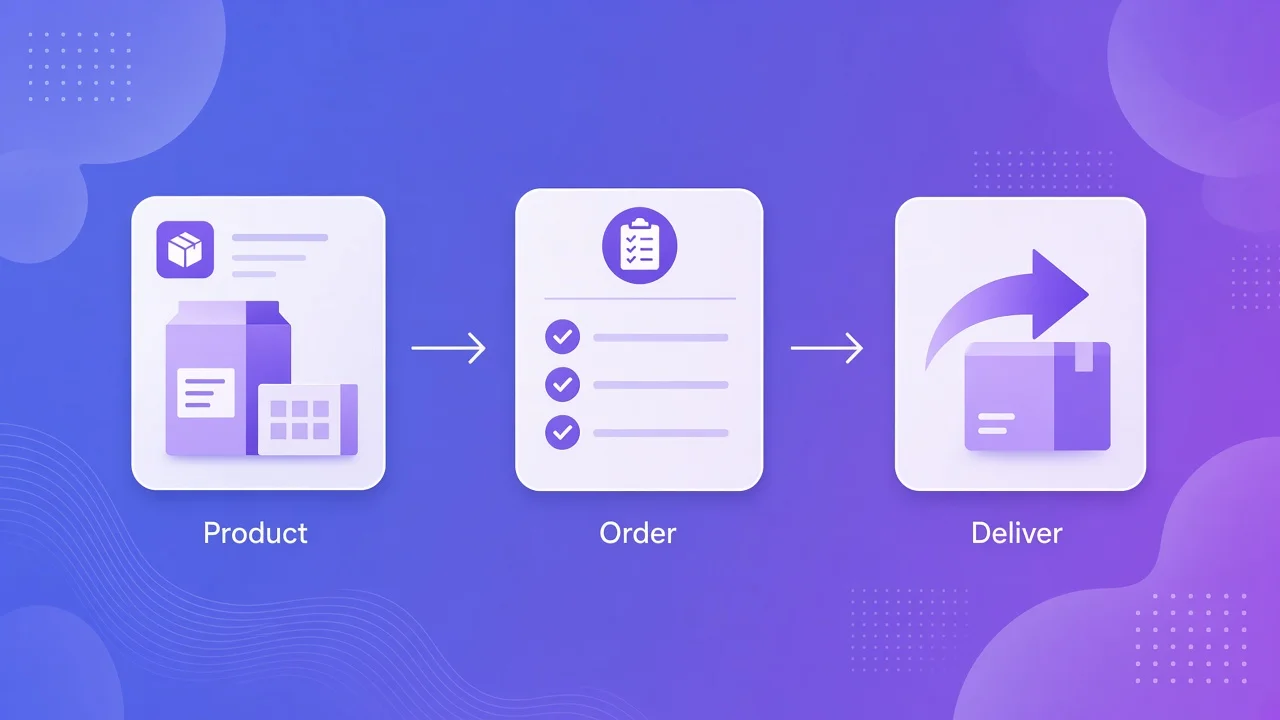
Open your Accplanet order and copy the pipe-separated delivery line. Identify the email and password segments.
-
Open outlook.fr
Go to https://outlook.fr and use the official Microsoft Outlook sign-in page.
-
Sign in and verify inbox
Enter the delivered email and password. Confirm you can open the mailbox. Contact Accplanet support with your order ID if login still fails.
You bought an Outlook.fr mailbox listing on Accplanet, opened the order, and now the only question left is simple: where do you log in?
For this product type, the Outlook.fr web login entry is outlook.fr. Accplanet is the marketplace where you browse screened listings, pay, and receive delivery from suppliers. Use the delivered credentials on the official Outlook.fr sign-in page, and follow the listing notes on the product page.
In short
- For Outlook.fr webmail access, open https://outlook.fr (Outlook / Microsoft sign-in for French Outlook addresses).
- Your Accplanet order delivers pipe-separated fields. The first two fields are usually the email and password used for connexion Outlook.fr.
- Copy credentials carefully. Do not share them. Do not paste real secrets into public tickets or chat screenshots.
- Outcomes vary by listing age, supplier notes, and Microsoft account status. Read the live product page before you buy again.
- This guide covers post-purchase login. It is not a tutorial for mass account creation.
Where to log in: outlook.fr
Buyers often search for messagerie Outlook.fr, boite mail Outlook.fr, mail Outlook.fr, or connexion Outlook.fr. The practical answer for web access is the same: go to outlook.fr and sign in with the email and password from your delivery line.
If Microsoft redirects you through a regional Outlook or Microsoft account page, stay on the official Microsoft domain. Avoid third-party “login helpers” that ask you to upload cookies or tokens unless your specific listing text tells you otherwise.
Web login
Use outlook.fr with email + password from delivery. Best for quick inbox checks.
IMAP / POP3 listings
Some Accplanet Outlook.fr listings mention IMAP/POP3. If you need a client later, follow the listing note and Microsoft’s current mail settings. Start with web login first.
How to read the delivery format
Many Accplanet email deliveries look like this (placeholder only):
[email protected]|password|extra_field_1|extra_field_2| Segment | Typical meaning | What you use for Outlook login |
|---|---|---|
| 1 | Email address (Outlook.fr mailbox) | Username on outlook.fr |
| 2 | Password | Password on outlook.fr |
| 3+ | Supplier extras (tokens, IDs, recovery helpers) | Only if the product description says so |
Split on the pipe character |. Do not invent meanings for extra fields. If the listing text explains a field, follow that text. If it does not, try email + password on outlook.fr first.
Login steps after your order arrives
1 · First
Open the Accplanet order and copy the delivery line
In your Accplanet order detail, copy the full delivered string into a local notes file. Confirm you have the correct order for the Outlook.fr listing you bought, such as Outlook.fr Trusted IMAP/POP3 listings when that is your product.
2 · Recommended
Go to outlook.fr
Visit https://outlook.fr. Use the official page for Outlook login / email Outlook access. Stop if a site asks for payment or “unlock fees” outside Accplanet and Microsoft.
3 · Recommended
Sign in with segment 1 and segment 2
Paste the email, then the password. Complete any normal Microsoft prompts shown on screen. If login succeeds, open the inbox and confirm you can read mail.
4 · Last resort
Still blocked? Contact Accplanet support
Recheck for copy/paste errors (spaces, missing characters, wrong pipe split). Then open Accplanet support with your order ID and a screenshot of the error text. Do not post full passwords in public chats.
What to check on the listing
| Check | Why it matters |
|---|---|
| Delivery format examples | Confirms how many pipe fields you will receive |
| IMAP/POP3 mention | Tells you whether client setup may matter later |
| Age / trust labels on the page | Sets expectations; still not a lifetime guarantee |
| Support / replacement rules | Know when to open a ticket if login fails |
Accplanet aggregates suppliers. Stock and notes can change. Trust the current product page more than any blog screenshot.
Buyer checklist
- [ ] Opened Accplanet order and saved the delivery line privately
- [ ] Split fields on
|and identified email + password - [ ] Navigated to outlook.fr (not a random ad page)
- [ ] Signed in and verified inbox access
- [ ] If failed: rechecked paste errors, then contacted support with order ID
FAQ
What is the Outlook.fr login website?
Use https://outlook.fr for web access to an Outlook.fr mailbox delivered through Accplanet.
Do I need every field in the delivery string to log in?
Usually email and password are enough for web login. Extra fields are supplier-specific. Follow the listing text when it explains them.
The password looks long or includes symbols. Is that normal?
Yes. Copy the full segment between pipes. Trim only accidental leading/trailing spaces you introduced while pasting.
Can I use IMAP or POP3 instead of the website?
Some listings are labeled IMAP/POP3. Start with outlook.fr web login to confirm the mailbox works, then follow Microsoft’s current IMAP/POP settings and your product notes if you need a desktop or mobile client.
Login fails immediately. What should I do?
Verify you used the correct order line, try a private browser window, and confirm caps lock is off. Then contact Accplanet support with the order ID and the exact error message.
Is Accplanet creating these Outlook.fr accounts?
No. Accplanet is a marketplace. Suppliers fulfill listings. You buy, receive delivery, then sign in on outlook.fr with the credentials you were given.
Next step
If you still need a mailbox for this workflow, compare live Outlook.fr listings on Accplanet, including this Outlook.fr Trusted IMAP/POP3 product, read the delivery notes, then keep outlook.fr ready for login after fulfillment. For checkout help, use Accplanet support from your account.