Accplanet Supplier API Quick Start: Products, Orders, and Delivery Updates

Accplanet Supplier API quick start
Authenticate with X-API-Key, manage products, list orders, and update delivery through the Supplier REST API.
-
Create an API key
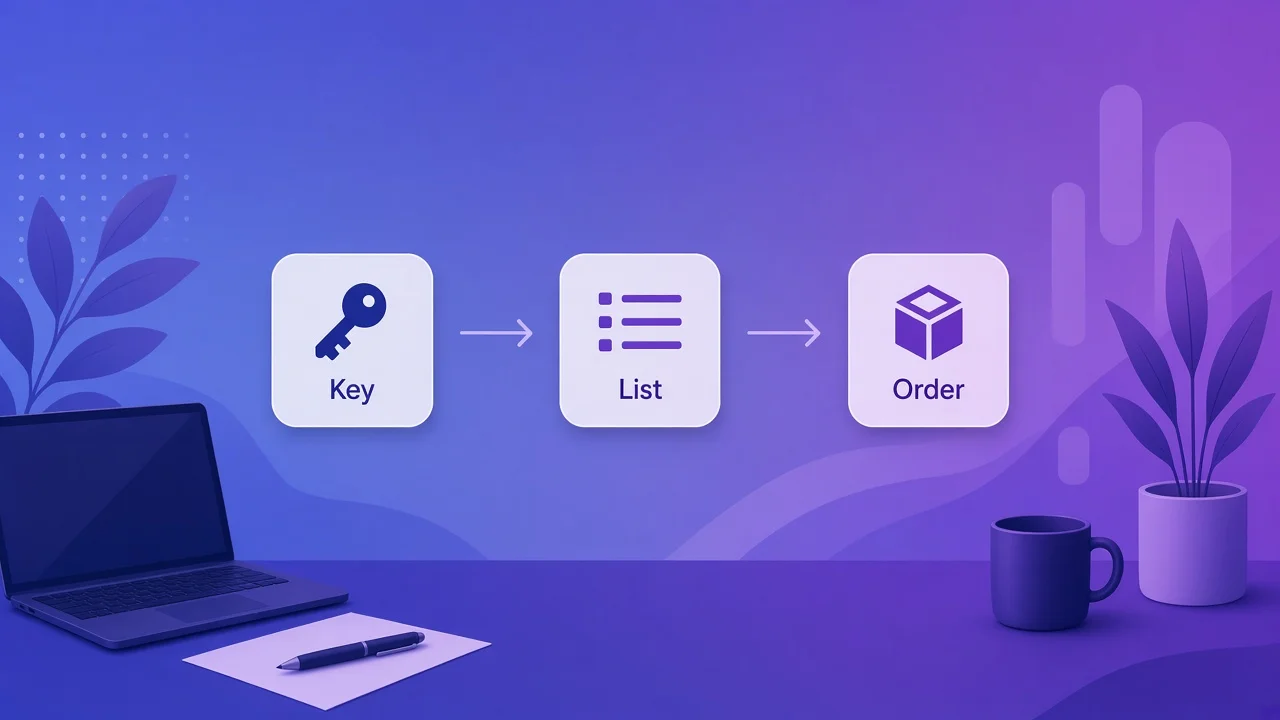
Generate a supplier API key in Profile → API key and send it as the X-API-Key header.
-
Create or update products
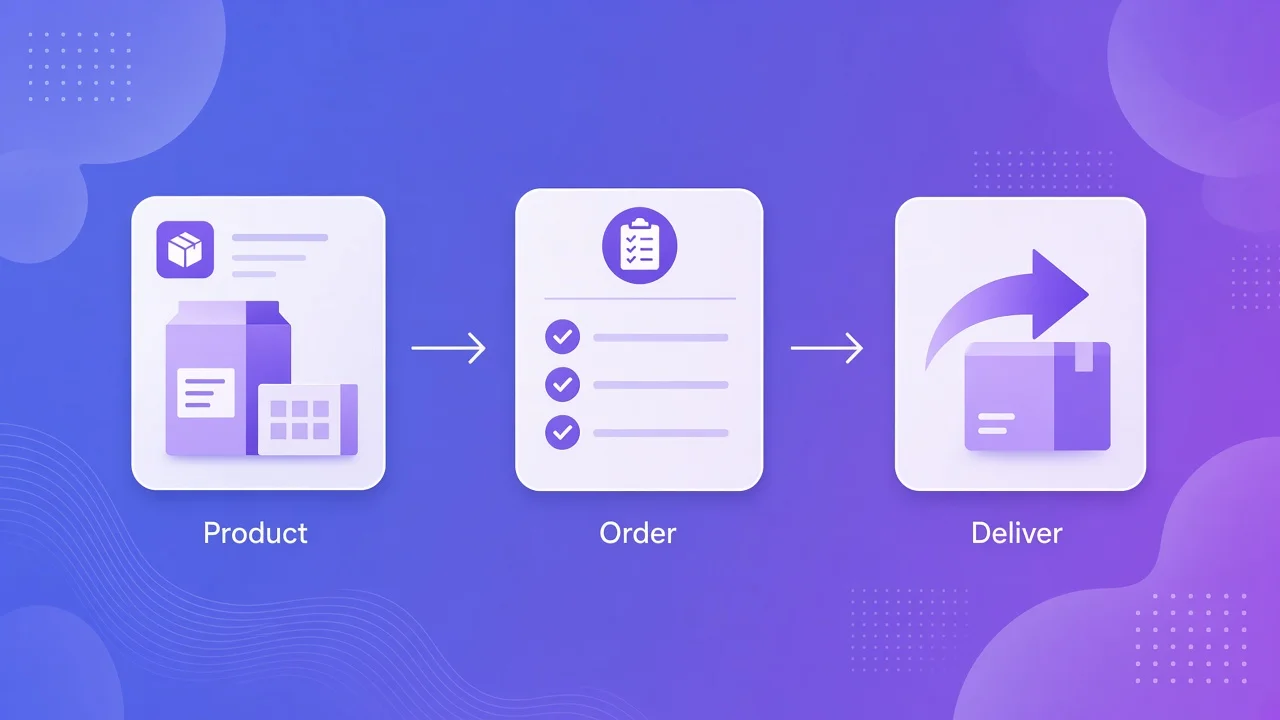
Use /products/api/supplier/create/ and /products/api/supplier/products/{id}/update/ with JSON bodies from the live docs.
-
Fulfill orders
List /orders/api/supplier/orders/ and POST delivered updates for each order id. Cache GETs and back off on 429.
If you sell on Accplanet and want automation, the Accplanet Supplier API is a REST surface for products, orders, and delivery updates. This quick start walks a seller from API key setup to create / update / delete products, list orders, and mark delivery — without replacing the full Supplier API docs.
Accplanet is the marketplace; your supplier account owns listings and fulfillment. Scripts authenticate with an API key in the X-API-Key header.
In short
- Generate an API key in your Accplanet profile; send it as
X-API-Keyon every Supplier call. - Product loop: create → list/update stock fields → delete when retiring a SKU.
- Order loop: list supplier orders → update delivered info → change status when your process requires it.
- Prefer unprefixed paths like
/products/api/supplier/…for POST (avoids language-redirect turning POST into GET). - Cache reads; respect HTTP 429 and
Retry-After.
Get your API key
Log in as a supplier-capable account, open Profile → API key, and generate an API key. For Accplanet seller integration, every request should look like:
X-API-Key: YOUR_API_KEY
Content-Type: application/json
Store the key in a secret store. Rotate it if a laptop or CI log ever printed it.
API design principles for seller sync
Supplier endpoints follow common API design principles that keep ERP or warehouse sync predictable:
- Resource URLs: products and orders are separate REST resources instead of one mega-action endpoint.
- Header auth:
X-API-Keykeeps credentials out of query strings in access logs. - JSON in / JSON out: create and update bodies are structured; uploads use
multipart/form-data. - Idempotent habits: update by product id; use delivery merge flags carefully so you do not wipe prior delivery lines.
Products: create, update, delete
1 · Create
Create product API
POST to the supplier create product API. Field names and required category ids are documented live — start from the docs tester after you can authenticate.
curl -X POST https://accplanet.com/products/api/supplier/create/ \
  -H "X-API-Key: YOUR_API_KEY" \
  -H "Content-Type: application/json" \
  -d "{\"title\":\"Example listing\",\"price\":\"9.99\",\"category_id\":\"CATEGORY_ID\"}"
Replace the JSON with the full payload from Supplier API docs. Treat the sample above as a shape reminder, not a complete schema.
2 · List / update
List products and update by id
curl -X GET https://accplanet.com/products/api/supplier/products/ \
  -H "X-API-Key: YOUR_API_KEY"

curl -X POST https://accplanet.com/products/api/supplier/products/PRODUCT_ID/update/ \
  -H "X-API-Key: YOUR_API_KEY" \
  -H "Content-Type: application/json" \
  -d "{\"price\":\"8.50\"}"
Use update for price, stock-related fields, and description changes your shop already supports. Prefer updating an existing product id over creating duplicates.
3 · Delete
Retire a listing
curl -X POST https://accplanet.com/products/api/supplier/products/PRODUCT_ID/delete/ \
  -H "X-API-Key: YOUR_API_KEY"
Confirm in admin or a follow-up list call that the product is gone or inactive as your account rules define.
Orders and delivery updates
List orders
GET /orders/api/supplier/orders/ for the supplier order API. Filter by status in your sync job; do not poll faster than once per minute per key.
Update delivery
POST /orders/api/supplier/orders/{order_id}/delivered/ to push delivered account lines. When merging, follow docs for append_delivered_info so you do not replace prior rows by mistake.
Status / refunds
Dedicated status and refund endpoints exist under the same supplier orders tree. Wire them only after delivery updates are stable.
curl -X GET "https://accplanet.com/orders/api/supplier/orders/" \
  -H "X-API-Key: YOUR_API_KEY"

curl -X POST https://accplanet.com/orders/api/supplier/orders/ORDER_ID/delivered/ \
  -H "X-API-Key: YOUR_API_KEY" \
  -H "Content-Type: application/json" \
  -d "{\"delivered_info\":\"[\\\"line1\\\",\\\"line2\\\"]\",\"append_delivered_info\":true}"
Validate the exact delivered payload against the live docs — delivery formats differ by product type.
Upload product images
Use the upload product image API with multipart form data:
curl -X POST https://accplanet.com/products/api/supplier/upload-image/ \
  -H "X-API-Key: YOUR_API_KEY" \
  -F "image=@./cover.webp"
Reuse the returned URL in create/update payloads when your schema expects an image path.
Rate limits
Supplier REST reads, writes, and uploads sit on separate per-minute budgets (reads are often the tightest for naive pollers). For Accplanet seller integration:
- Cache GET product and order lists.
- Batch UI refreshes instead of per-click list calls.
- On 429, honor
Retry-Afterbefore retrying uploads or writes.
Supplier checklist
- API key in
X-API-Key; secrets not committed. - Create → update → delete product path tested on a sandbox SKU.
- Order list + delivered update verified with a real or staging order id.
- Image upload works before bulk import jobs.
- 429 backoff implemented.
FAQ
Why did my POST become a GET / 405?
Language-prefixed URLs can redirect. Prefer unprefixed /products/api/supplier/… and /orders/api/supplier/… for write calls.
Customer API vs Supplier API?
Buyers/resellers use Customer API (POST /api/v2). Sellers use this Supplier REST API.
Where is the complete field list?
Always the interactive docs: https://accplanet.com/en/api-docs/supplier/.