Accplanet Customer API Quick Start: List, Check Stock, and Place Orders

Accplanet Customer API quick start
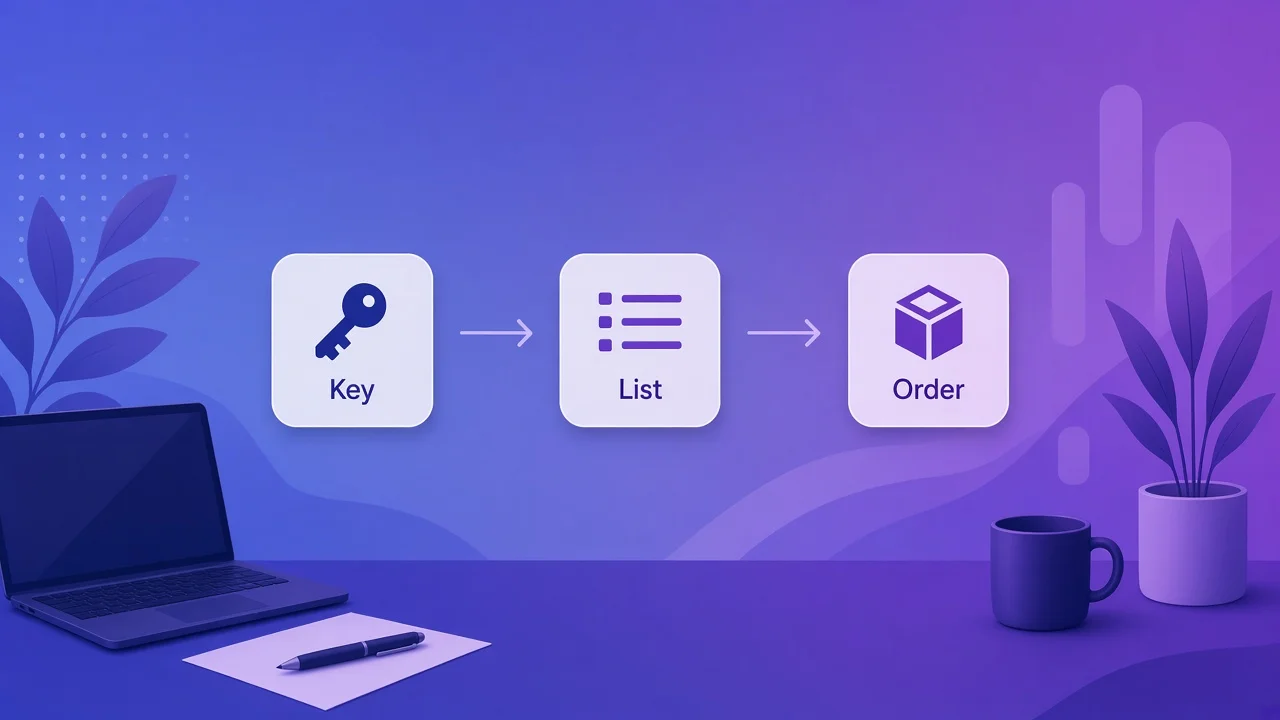
Get an API key and call POST /api/v2 to list services, check inventory, place an order, and poll status.
-
Create an API key
Open Profile → API key on Accplanet, generate a key, and store it in a secret environment variable.
-
List services and check stock
POST https://accplanet.com/api/v2 with action=services (cache results), then action=inventory for target service IDs.
-
Place order and poll status
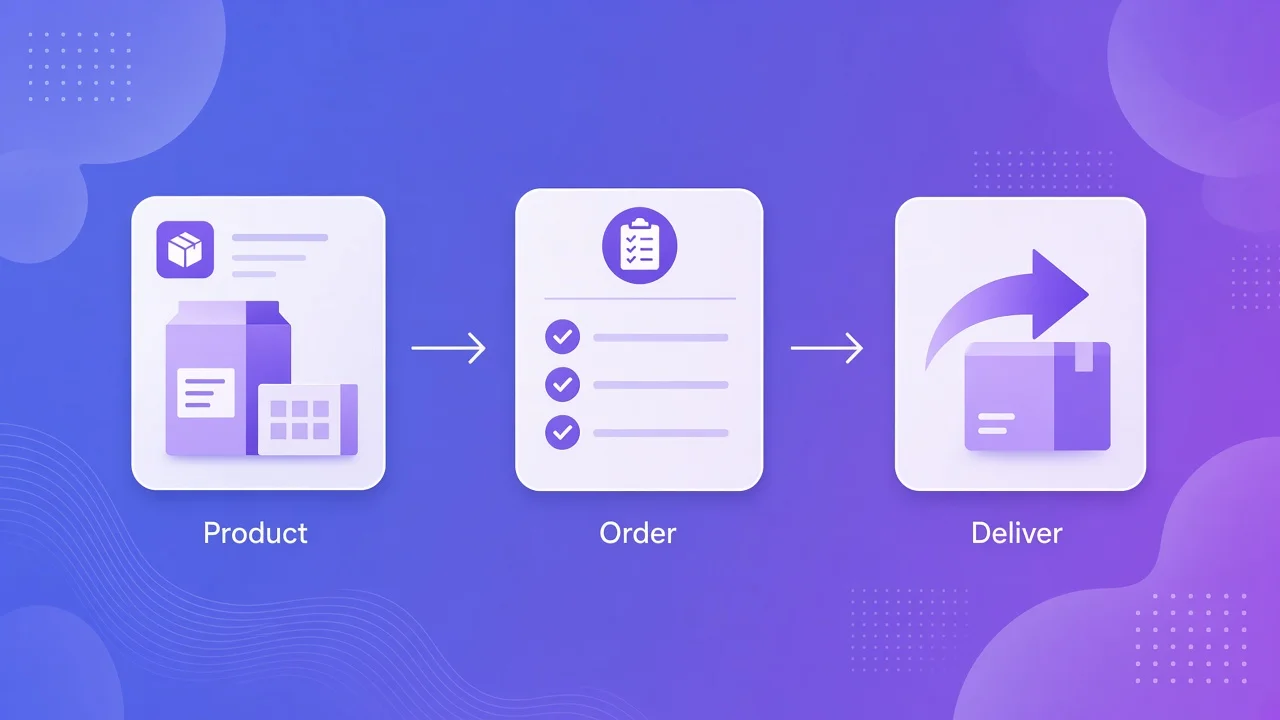
POST action=add with service and quantity, then poll action=status with the returned order id. Honor HTTP 429 Retry-After.
If you buy on Accplanet programmatically, you do not need a different URL for every action. The Accplanet Customer API uses one endpoint — POST https://accplanet.com/api/v2 — plus an action parameter. This guide is a practical quick start so a reseller or automation can list catalog items, check stock, place an order, and poll status in one sitting.
Accplanet is a supplier marketplace. The Customer API is for buyers and resellers who already have a balance. Full parameter tables live in the Customer API docs; this post focuses on the shortest working path.
In short
- Create an API key in your Accplanet profile and store it like a password.
- Call
POST https://accplanet.com/api/v2withkey+action(form fields or JSON). - Typical reseller loop:
services→inventory→add→status(optionalbalance). - Cache catalog reads. Treat HTTP 429 +
Retry-Afteras required backoff, not an optional hint. - Use this post to integrate fast; use the official docs for every field.
Get your API key
Log in, open Profile → API key, and generate an API key. Copy it once into a secrets manager or environment variable (for example ACCPLANET_API_KEY). Every Customer API call authenticates with that key in the body as key (alias apikey).
{
  "key": "YOUR_API_KEY",
  "action": "categories"
}
You can also send form-encoded fields with curl -d. Prefer environment variables over hard-coded strings.
API design principles (why one endpoint)
Accplanet’s Customer API follows a few practical API design principles that make reseller integration simpler:
- Single entry point: one URL, many
actionvalues — fewer base URLs to configure. - Explicit auth: the API key travels with each request; no opaque session cookie required for scripts.
- Action vocabulary:
services,inventory,add,status,balance, and related actions map cleanly to catalog → stock → order → poll. - Stable error shape: failed calls return structured errors; rate limits use HTTP 429.
That design is why a minimal client is often a thin wrapper: set key, pick action, parse JSON.
Integration ladder
1 · Smoke test
List categories
Confirm the key works before you wire ordering logic.
curl -X POST https://accplanet.com/api/v2 \
  -d "key=YOUR_API_KEY" \
  -d "action=categories"
2 · Catalog
Pull services (products)
Use action=services for the Accplanet services API / catalog sync. Prefer a larger limit (up to 500) and cache the response locally for at least 60–120 seconds. This is the action resellers hit rate limits on first.
curl -X POST https://accplanet.com/api/v2 \
  -d "key=YOUR_API_KEY" \
  -d "action=services" \
  -d "limit=100"
3 · Stock
Check inventory before add
For a check stock API path, call action=inventory with the service IDs you care about. Skip blind add calls when stock is already zero in your cache.
curl -X POST https://accplanet.com/api/v2 \
  -d "key=YOUR_API_KEY" \
  -d "action=inventory" \
  -d "services=10042"
4 · Order
Place order, then poll status
Place order API: action=add with service and optional quantity / link. Then poll with action=status and the returned order id. Do not poll status every second.
curl -X POST https://accplanet.com/api/v2 \
  -d "key=YOUR_API_KEY" \
  -d "action=add" \
  -d "service=10042" \
  -d "quantity=1"

curl -X POST https://accplanet.com/api/v2 \
  -d "key=YOUR_API_KEY" \
  -d "action=status" \
-d "order=ORDER_ID"Rate limits that break first integrations
Authenticated Customer API traffic is limited by burst, global, and per-action quotas. Practical rules for reseller API integration:
- Cache
services; refresh on a schedule (often 2–5 minutes), not on every page view. - One scheduler per API key — avoid three cron jobs all syncing the same catalog.
- On HTTP 429, sleep for
Retry-Afterseconds, then retry once with backoff.
Exact numbers can change; treat the docs and 429 responses as source of truth.
Buyer checklist
- API key stored in secrets, not in git.
- Smoke test
categoriesreturns data. - Catalog sync uses
services+ local cache. - Orders use
inventorythenadd, then slowstatuspolling. - 429 handler implemented before production traffic.
FAQ
Form body or JSON?
Both work for Customer API v2. Match whatever your HTTP client sends cleanly; keep key and action on every call.
Where is the full action list?
See https://accplanet.com/en/api-docs/user/ — this quick start only covers the happy path.
Can Accplanet guarantee stock after inventory returns available?
No. Stock moves quickly on a marketplace. Re-check when it matters, and handle order errors gracefully.